Construction defect tracking software
Every Defect assigned, tracked and closed with evidence
Each defect is raised with a photograph, priority and location, assigned to the responsible trade with a due date, and closed with photographic evidence. The full history is kept for handover.
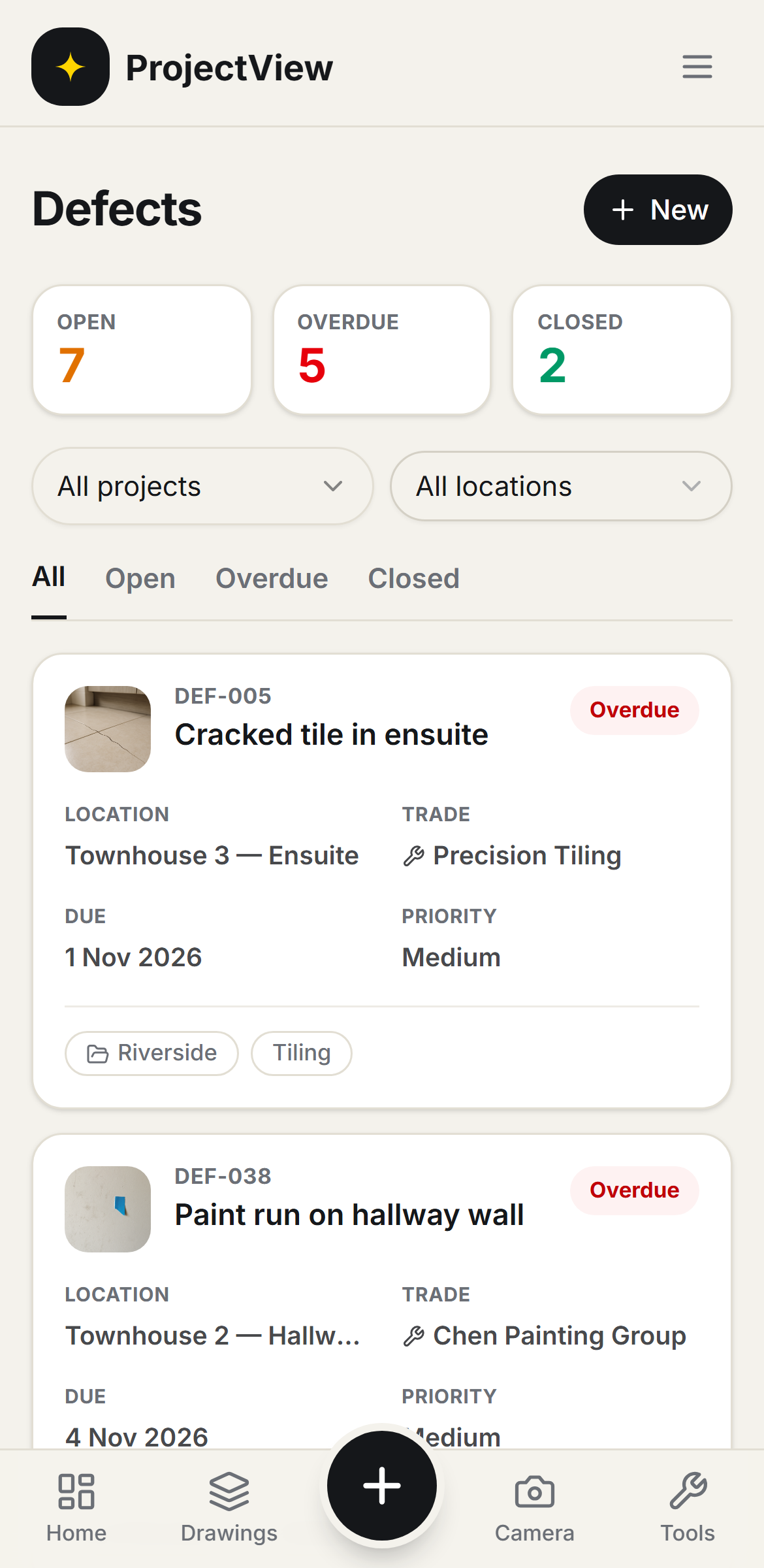

Raised on site
A photograph, the priority and the location are recorded, and the defect is on the register.
Assigned to the trade
The defect is assigned to the responsible trade with a due date. The trade is notified and the item is tracked to closure.
Closed with evidence
The defect is marked fixed with a photograph of the finished work. The full history stays on the record.
How it works
The procedure
Raise it on site
A photograph, the priority and the location are recorded. The trade is assigned and emailed in the same step.
Assign the trade
The defect is assigned to the responsible trade with a due date. The trade is notified and the item appears on their list.
Track to closure
Every open and overdue item is shown in the register, filtered to what remains before handover.
Close with proof
The defect is marked fixed with a photograph of the finished work, reviewed and closed.
Every defect tracked to closure
Defects are organised by location, each showing open, overdue or closed. The register is filtered by status, category or location to show what remains before handover.
Get Started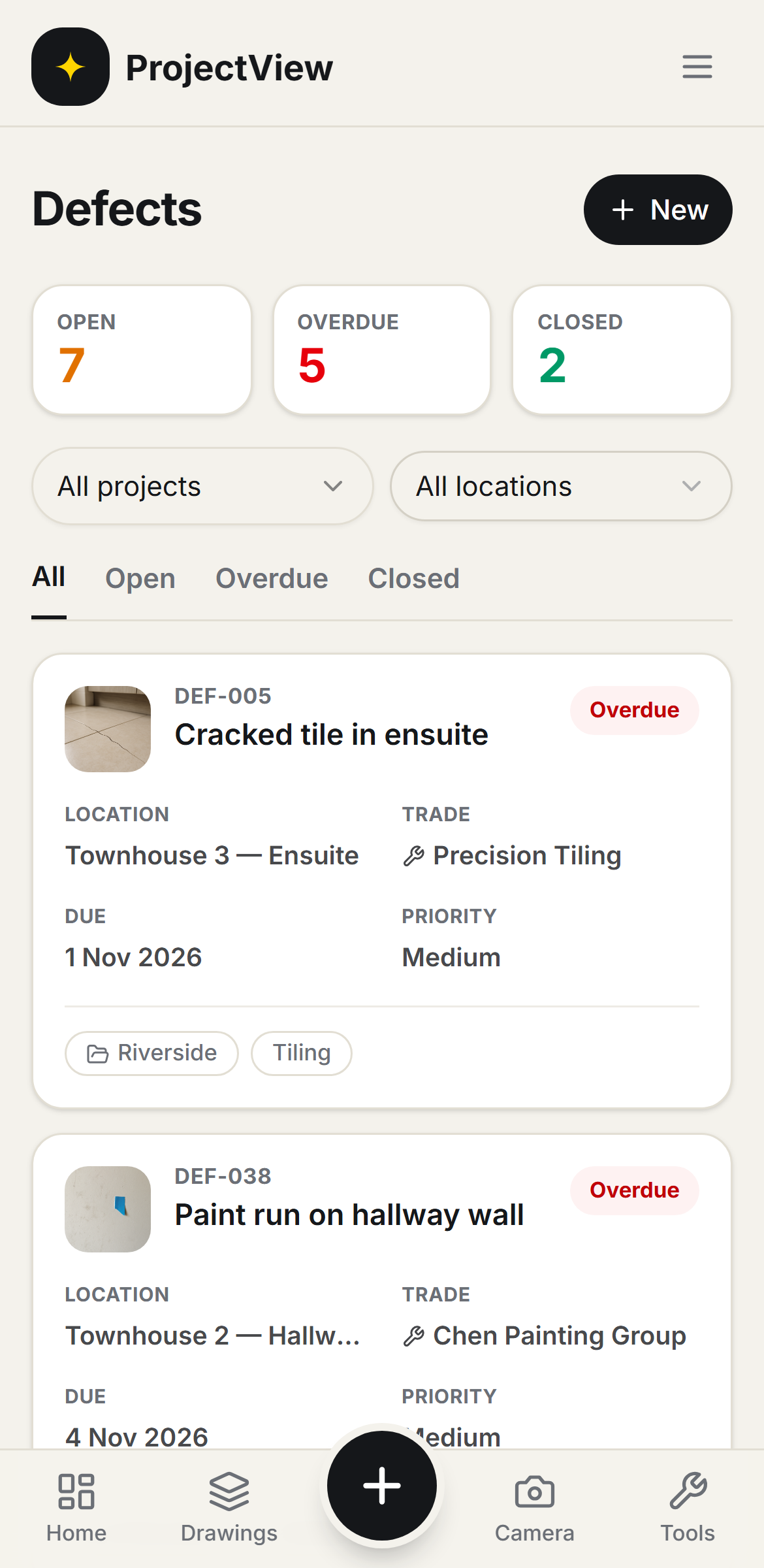
Assigned, with evidence of the fix
Each defect carries its priority, the responsible trade and a due date. The trade marks it fixed with a note and a photograph, and the builder reviews and closes it.
Get Started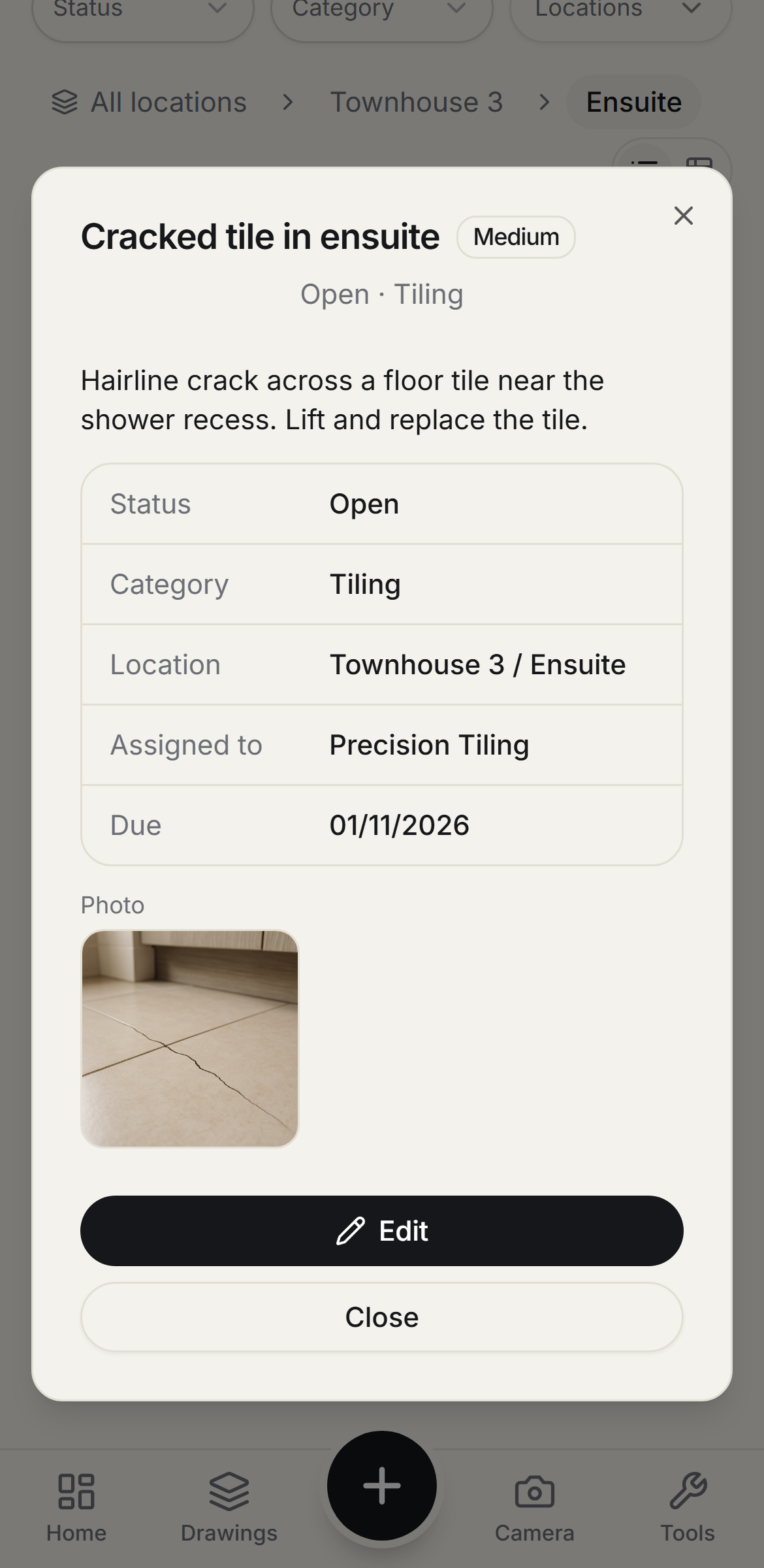
Questions, answered
Get started
Start free on your first Project
One price per company, from $199 a month. No lock-in contract.