Construction progress claim software
Each stage claimed against the contract
A staged schedule is set as percentages of the contract sum. As each stage is reached it is claimed and invoiced in one step, and the schedule is exported for the client or the bank.
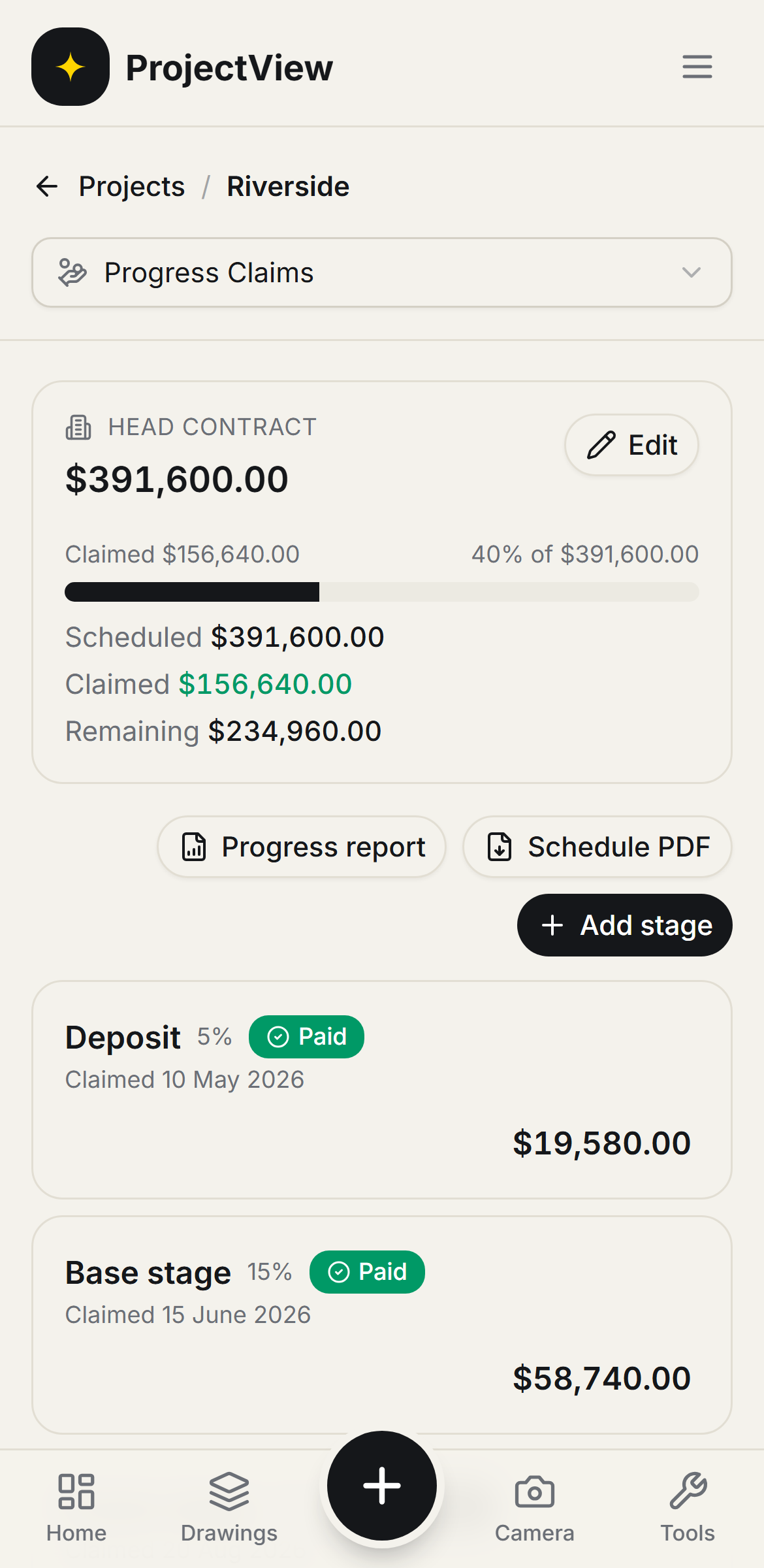

Staged against the contract
Each stage is set as a percentage of the contract sum, so every claim reconciles with the head contract.
Claimed and invoiced
A stage is claimed and the invoice raised in one step, then tracked to paid.
Schedule PDF
The claim schedule is exported showing claimed, paid and remaining.
How it works
The procedure
Set the contract
The head contract value and the client the claims are raised to are recorded.
Stage the schedule
Each stage is set as a percentage of the contract sum.
Claim each stage
As a stage is reached it is claimed and the invoice raised in one step, then tracked to paid.
Export it
The schedule is exported as a PDF showing claimed, paid and remaining, for a client update or a lender drawdown.
Claimed against the contract
The head contract sits at the top with claimed versus remaining, so every claim reconciles with the head agreement and the amount left to bill is always known.
Get Started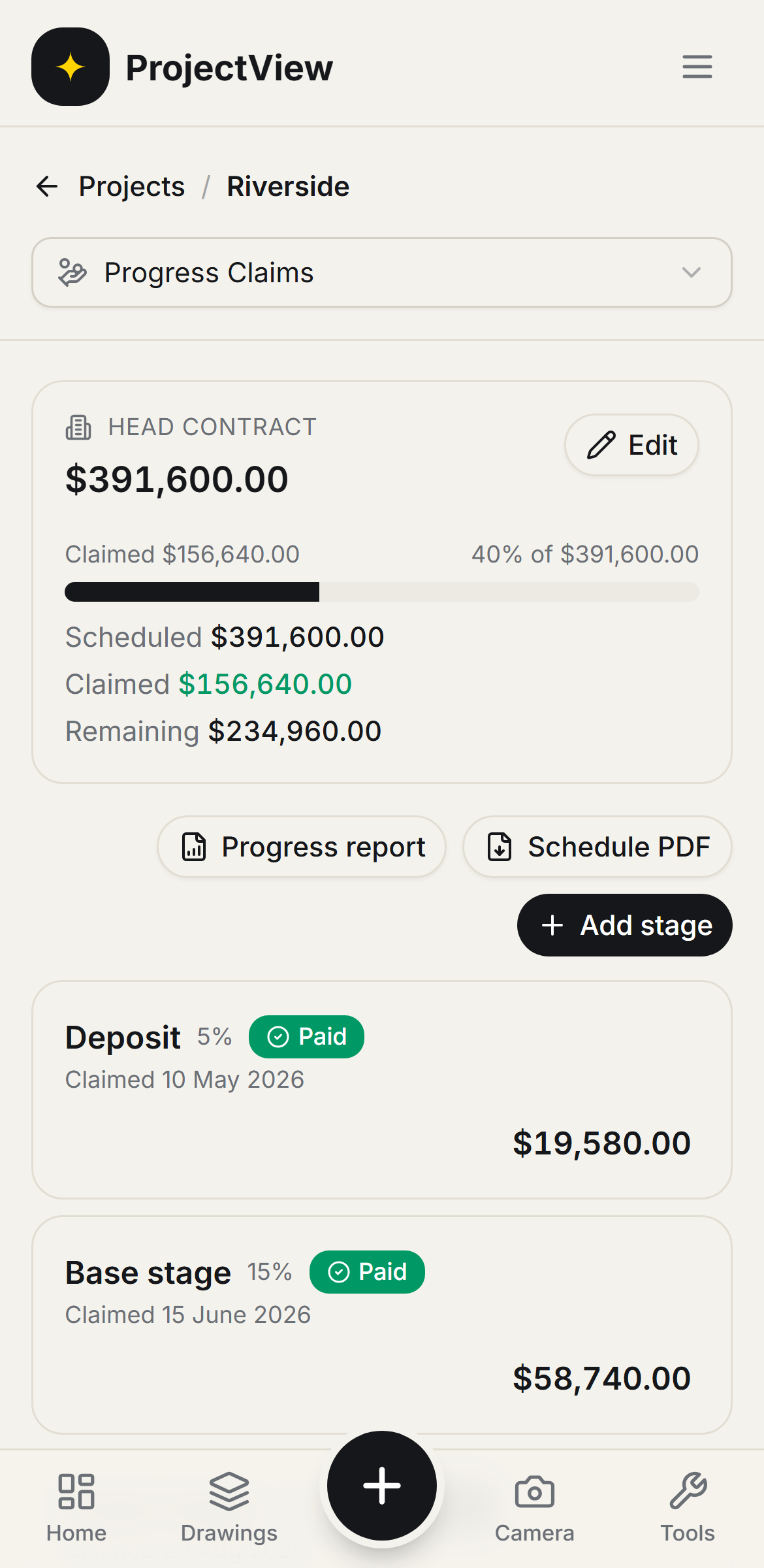
Stage reached, stage claimed
A staged schedule set as percentages of the contract, each stage showing paid, claimed or ready to claim. A stage is claimed and invoiced in one step, and the schedule is exported for the client or the bank.
Get Started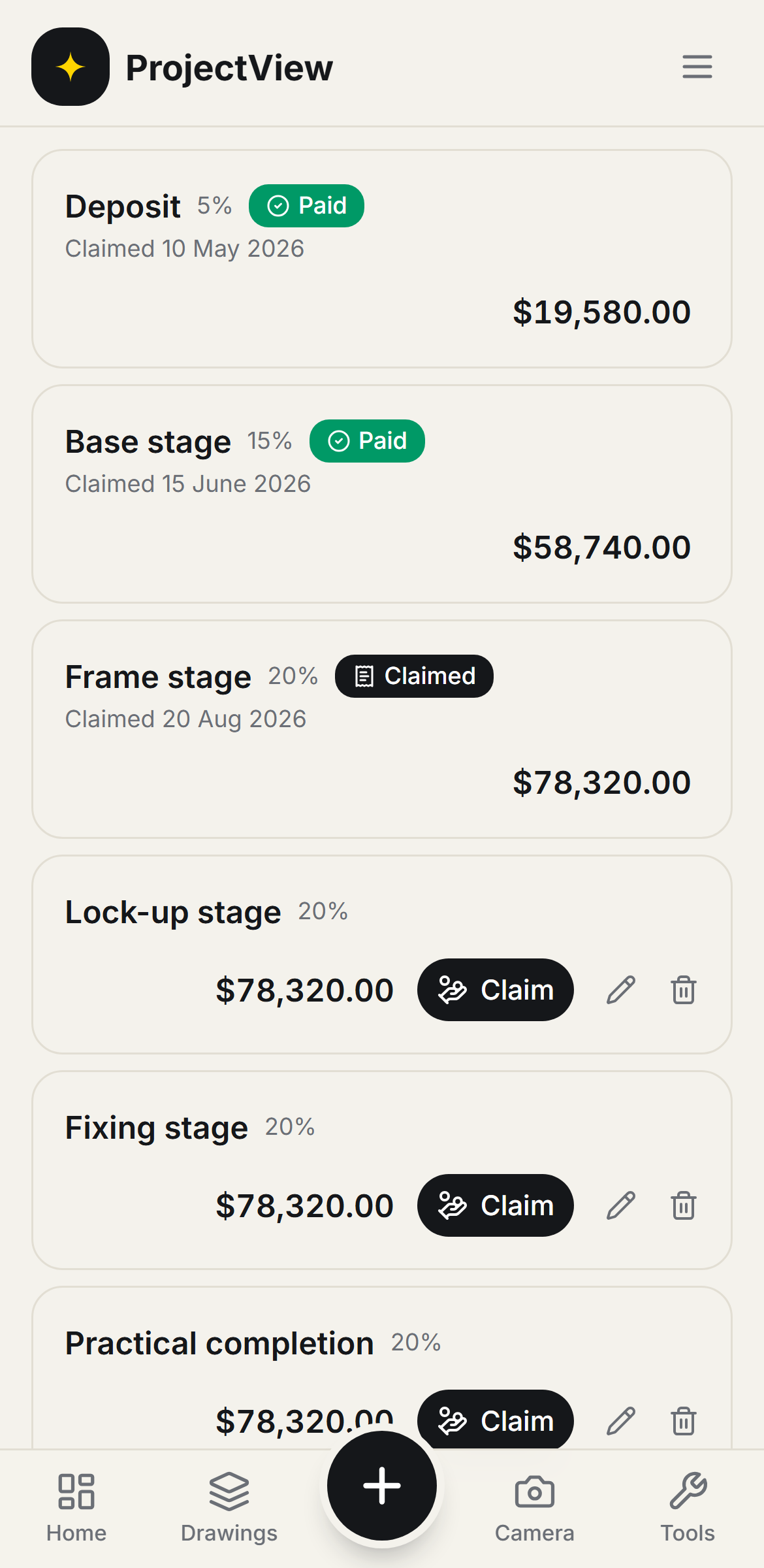
Questions, answered
Get started
Start free on your first Project
One price per company, from $199 a month. No lock-in contract.