Construction timesheet software
Hours logged on site, costed to the job
Each worker's hours are logged against the job, the task and their company, and recorded in the Cost Tracker as labour cost.
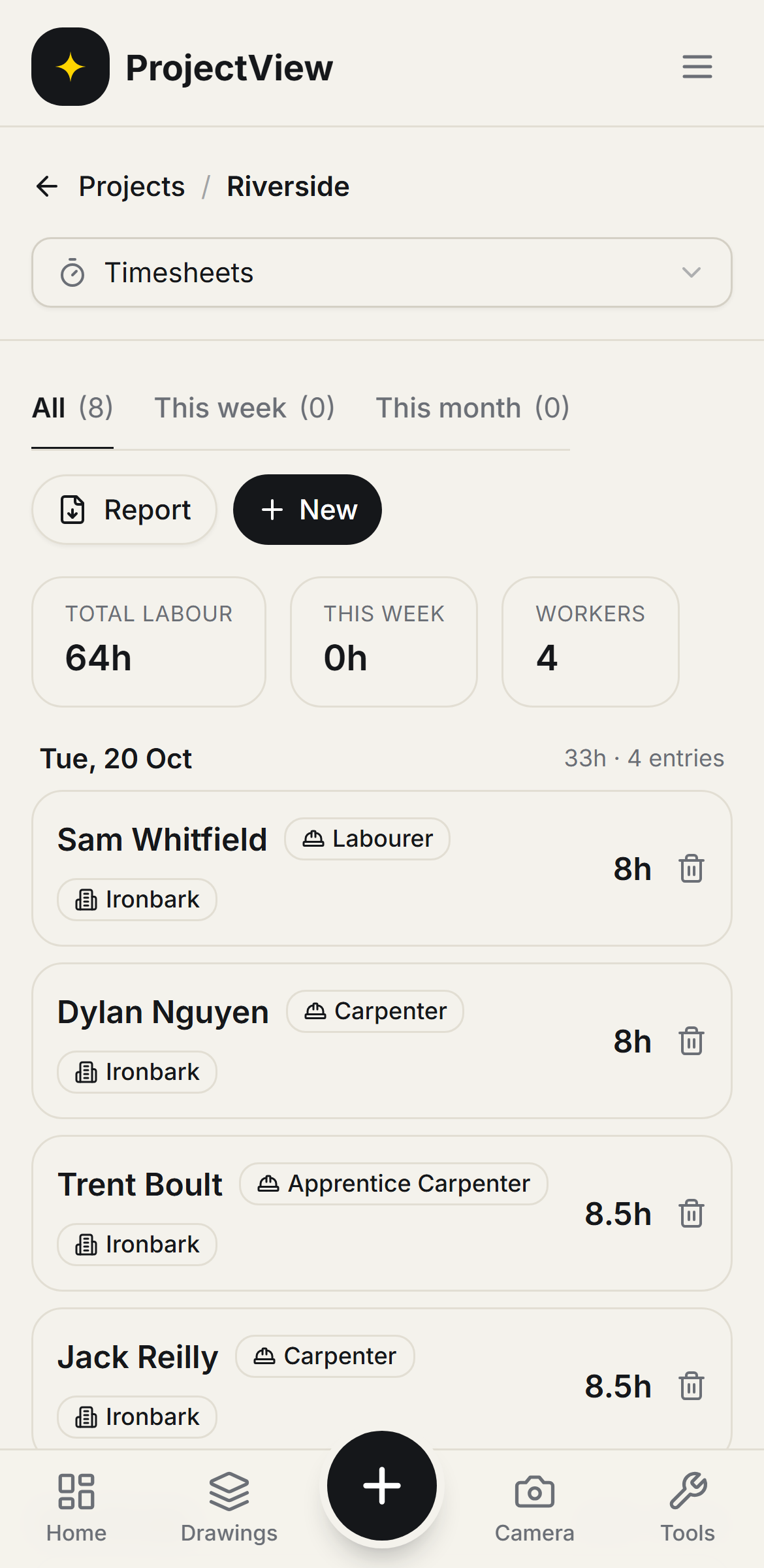

Hours by job
Time is logged against the job and the task, for the direct team or a subcontractor's crew.
Hours by company
Each entry is attributed to the worker's company, so who did what and what it cost is on record.
Into the budget
Logged hours are recorded in the Cost Tracker as labour cost against the job.
How it works
The procedure
Log the hours
Time is logged against the job and the task from the phone, for one worker or a whole crew.
Attribute the company
The subcontractor and company are set on each entry.
Record the cost
Logged labour is recorded in the Cost Tracker as cost against the job. No separate wages spreadsheet is kept.
Every hour against the job
Hours are grouped by day with the total labour on the job. Each entry is tagged to the worker, their trade and their company.
Get Started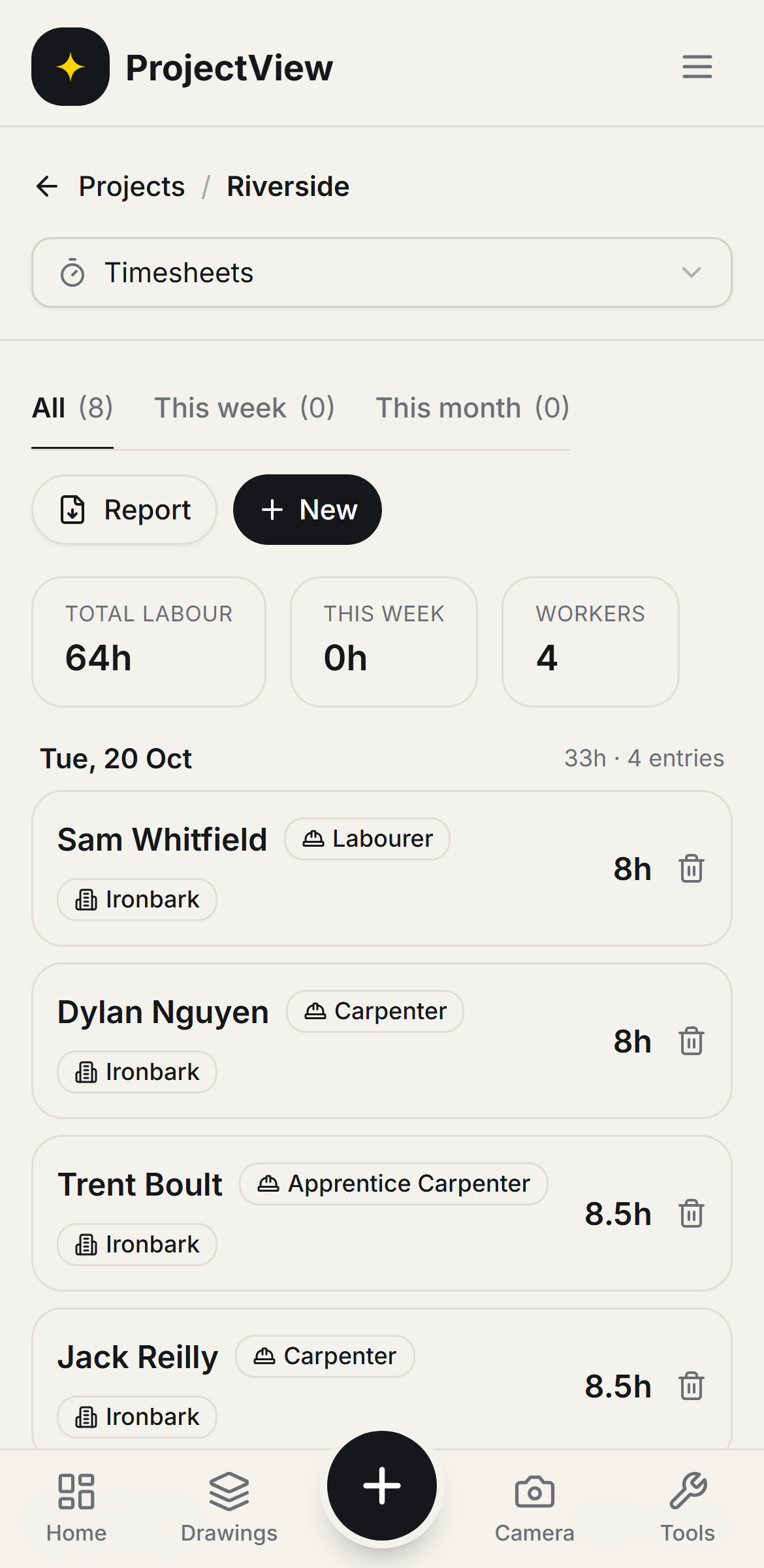
A day logged in a few taps
A worker's hours are recorded against the job and the subcontractor from the phone. With an hourly rate set, the hours are recorded as labour cost in the budget.
Get Started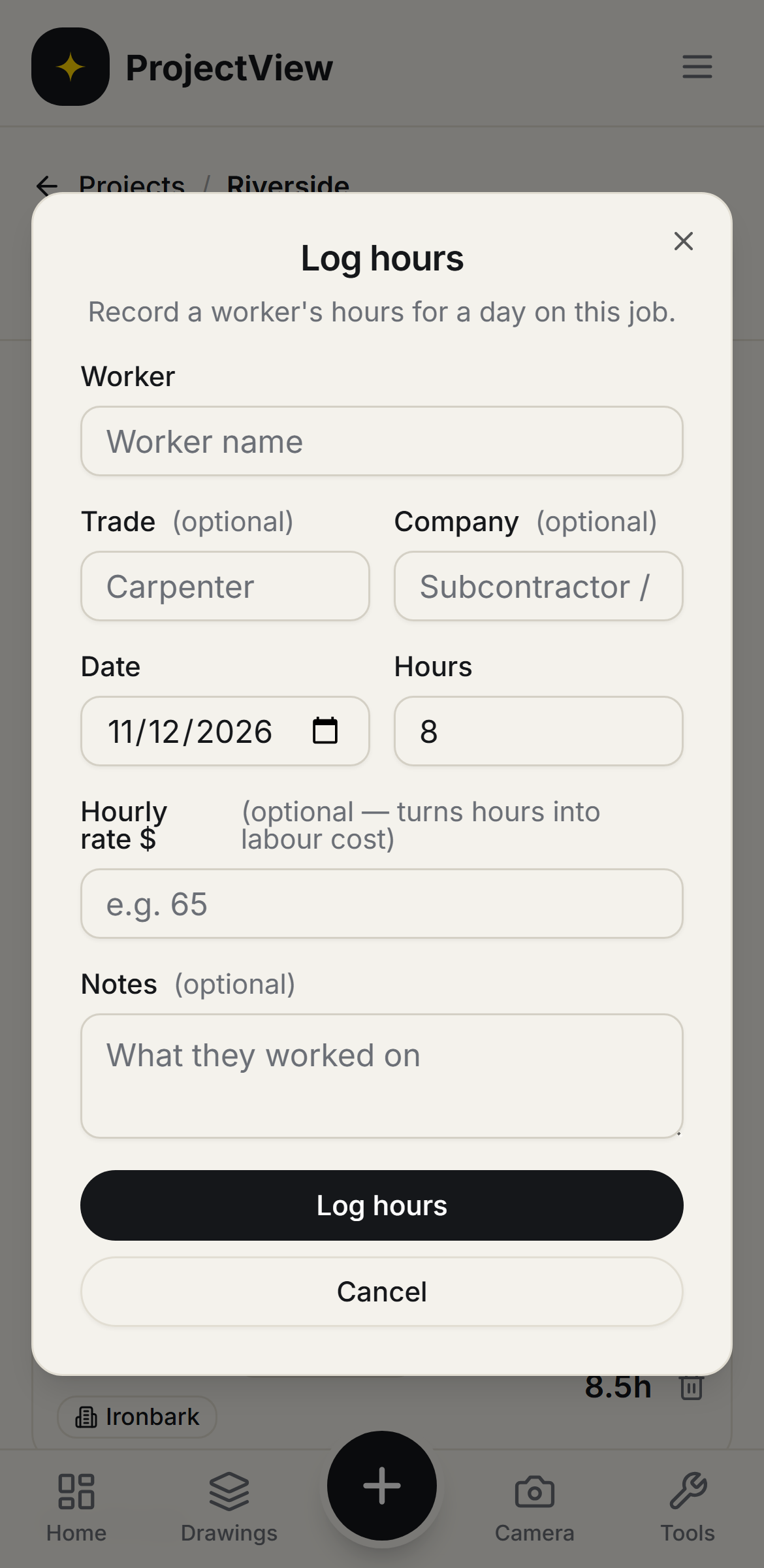
Questions, answered
Get started
Start free on your first Project
One price per company, from $199 a month. No lock-in contract.